SUB STATE
Sub State
Sub State is a browser-based music sketchbook for fast beat making, scene building, and electronic song experiments.
The app opens with a splash page that lets you choose between five different versions:
Trap — modern hip-hop/trap patterns, heavy drums, bass, chords, and hooks.
Dub — one-drop rhythms, deep basslines, skank chords, and spacious echo-heavy movement.
Acid — squelchy bass patterns, sharper electronic grooves, and hypnotic synth energy.
Witch — dark, hazy, haunted beat sketches with slower, moodier patterns.
Chill — softer grooves, relaxed rhythms, melodic loops, and laid-back electronic textures.
Each version uses the same core Sub State system, but with its own sound palette, random scene generator, and musical flavor.
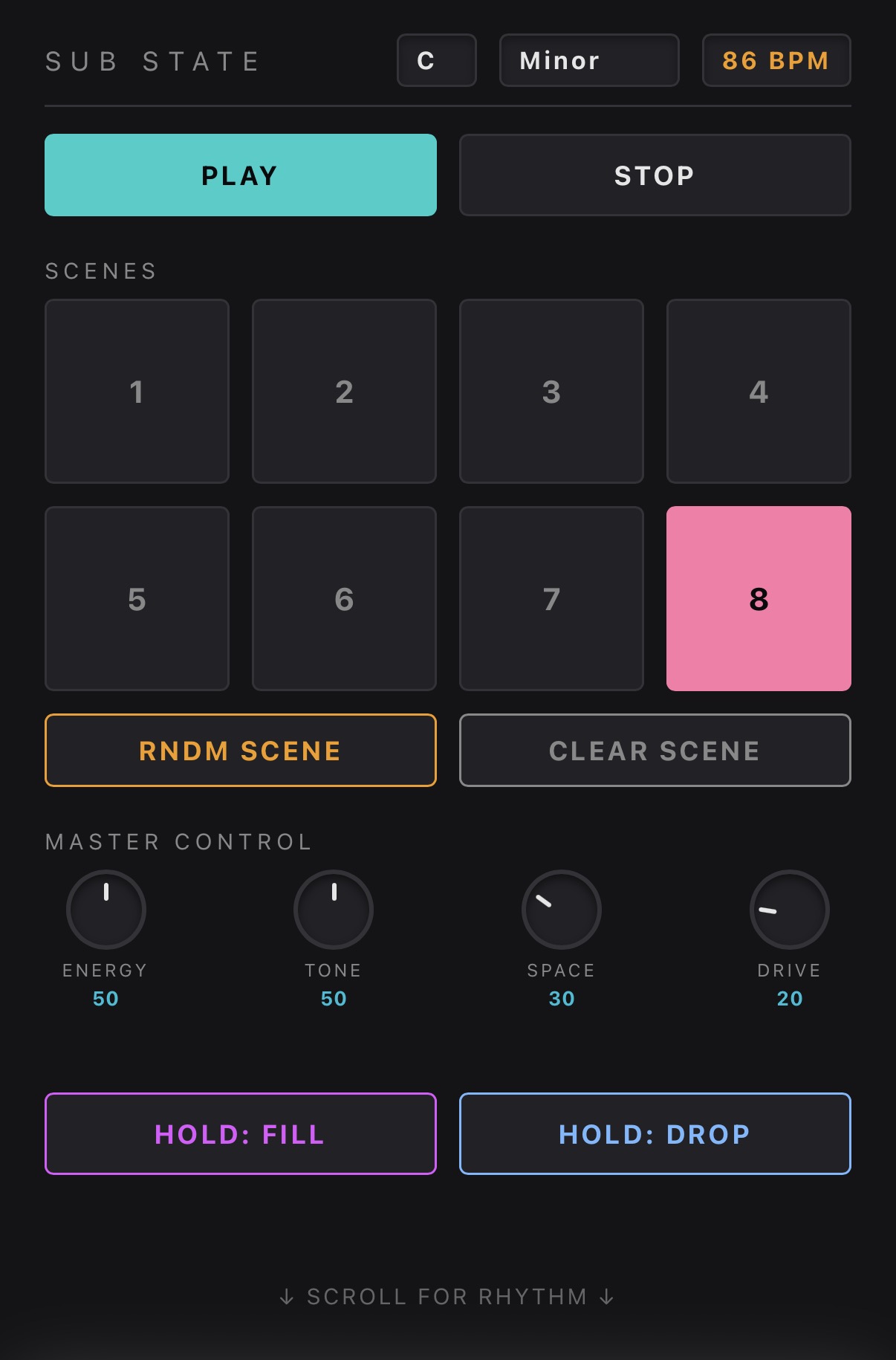
8 scenes — Each scene can hold its own variation of drums, bass, chords, and hook patterns. Select a scene, press RNDM SCENE, and instantly generate a new musical idea. Repeat that across all 8 scenes and you can build a full bank of variations in minutes.
Sub State works as both an inspiration tool and a hands-on sketchpad. You can generate patterns quickly, discover unexpected combinations, or clear a scene and write your own parts from scratch.
Use the Scene Chain to turn those scenes into a rough song structure. Build ideas fast, switch between versions for different moods, refine the best parts, and shape them into full tracks.
⸻
Features
- Five versions from one splash page: Trap, Dub, Acid, Witch, and Chill
- 8 scenes for building variations and arrangements
- Random scene generation tailored to each style
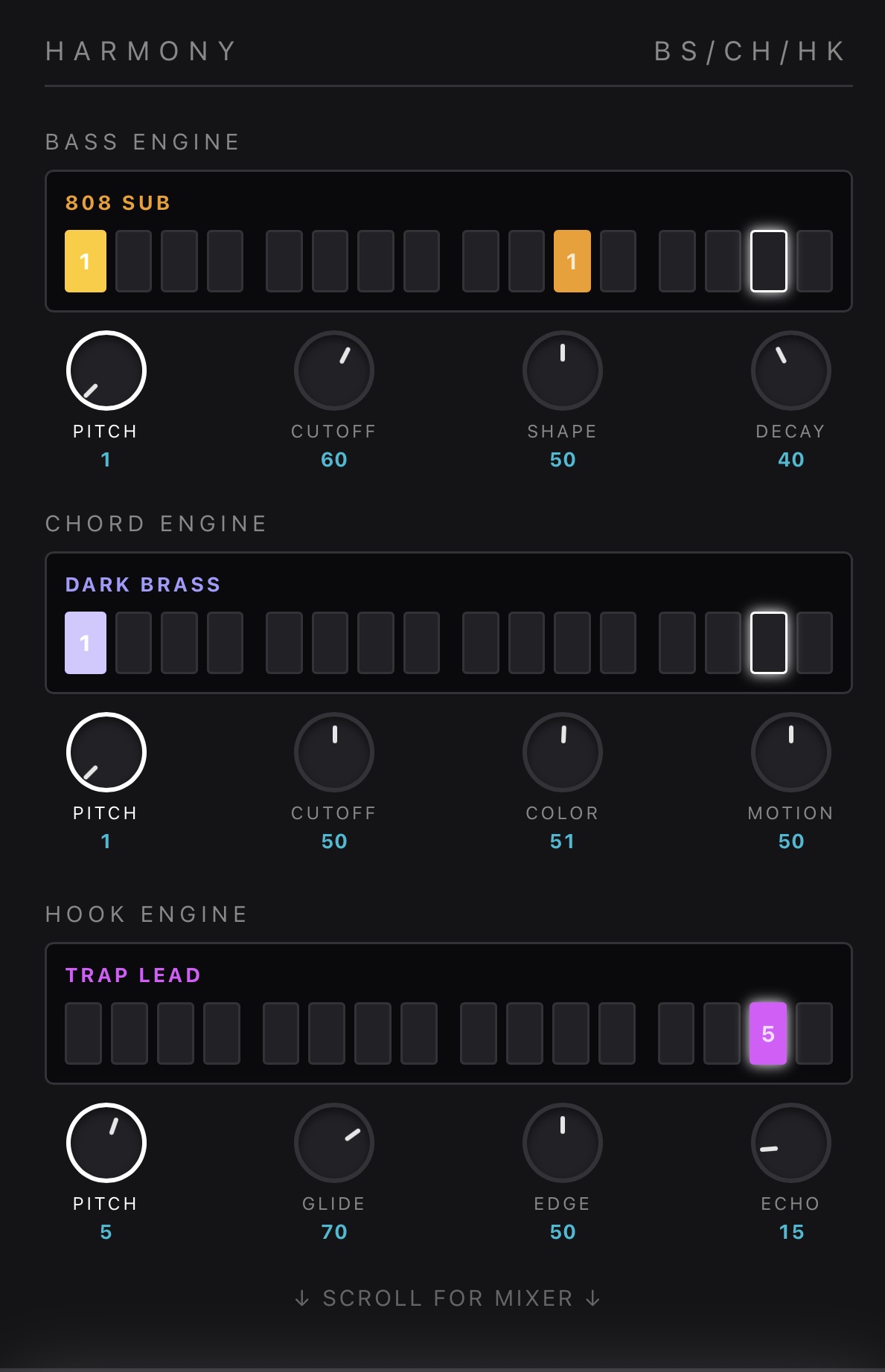
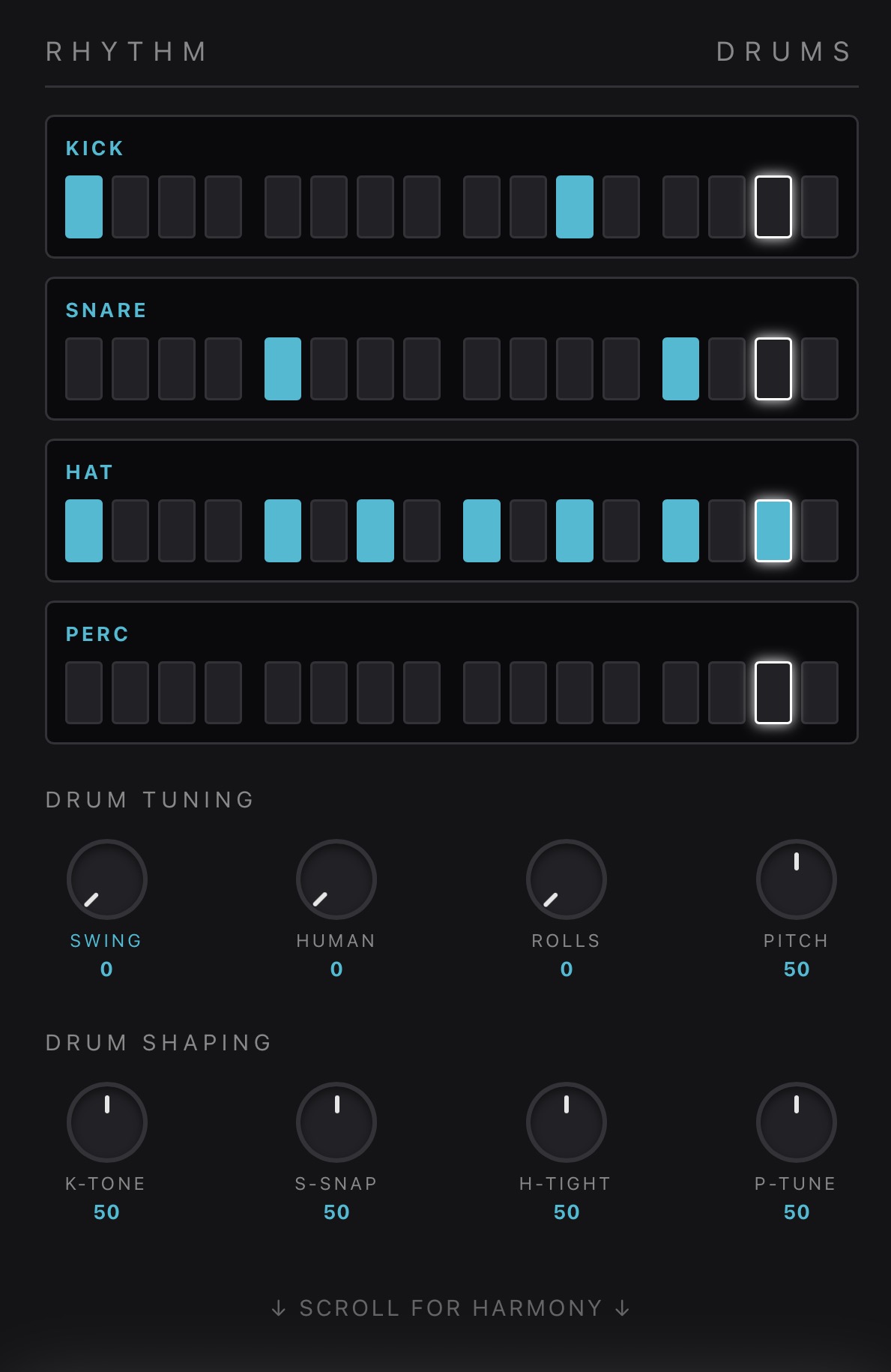
- Drums, bass, chords, and hook parts
- Scene Chain for song structure
- Root and scale controls for changing key
- Mixer and sound controls for shaping the track
- RNDM PATCH for fast sound design experiments
- Runs directly in the browser
⸻
Instructions
Choose a version from the splash page: Trap, Dub, Acid, Witch, or Chill.
Press Play to hear the current scene.
Select one of the 8 scene buttons to choose the scene you want to edit.
Press RNDM SCENE to generate a new pattern for the selected scene.
Repeat across multiple scenes to quickly build a full set of variations.
Press RNDM PATCH to randomize the sound sculpting knobs.
Use the Scene Chain to compose longer song structures.
Tap steps in the drum lanes to program rhythms.
Add and edit bass, chord, and hook notes to shape the musical parts.
Adjust Root and Scale to change the key.
Use the mixer and sound controls to shape the final beat.
Leave a comment
Log in with itch.io to leave a comment.